This Kodak Step photo printer review looks at a compact option for turning phone photos into small, peel-and-stick prints. Its Bluetooth or NFC pairing and editing app suit casual projects and on-the-go sharing.
KODAK Step Review Summary
The quick verdict

20,000+ ratings
Read Amazon ReviewsKODAK Step
A portable phone photo printer for buyers who want small, customizable prints they can peel and stick into projects or share on the go.
- Prints small 2-by-3-inch photos on sticky-back ZINK paper.
- Connects to iOS or Android devices through Bluetooth or NFC.
- Uses a companion app for collages, filters, borders, stickers and text.
- Built-in rechargeable lithium-ion battery supports portable printing.

Pros
- Compact 2” x 3” prints peel and stick, making them convenient for scrapbooks and casual sharing.
- ZINK printing does not need ink, toner or ribbon replacements.
Consider before buying
- The 2-by-3-inch print format is small for buyers who want larger photo displays.
- A full charge is listed for 25 photos, so frequent printing may mean recharging between outings.
Read the full review summary
The KODAK Step turns images from an iOS or Android device into 2-by-3-inch sticky-back prints using ZINK paper, which avoids ink cartridges, toner and ribbons.
Its small print format suits scrapbooks, stickers and casual sharing more than buyers who want larger photo prints.
The KODAK app adds filters, stickers and decorative frames, and the built-in rechargeable battery supports portable use.
It suits people who want quick, personalized keepsakes and are comfortable with 2” x 3” prints and up to 25 photos on a full charge.
The buying factors
KODAK Step Scorecard
Editorial scores reflect listed features and buyer fit; they are not laboratory measurements or customer ratings.
Portability
The palm-sized, sub-pound form and rechargeable battery support carrying it for casual photo projects away from home.
Phone connectivity
Bluetooth or NFC pairing with iOS and Android devices gives buyers two wireless connection options.
Print format
The sticky-back 2-by-3-inch format works well for small keepsakes, though it limits the physical size of each print.
Editing tools
The app's collages, filters, borders, stickers and text let users personalize images before printing.
Ink-free printing
ZINK printing avoids separate ink, toner and ribbon supplies, simplifying the consumables setup.
Battery endurance
The rechargeable battery is convenient for portable printing, with capacity described as 25 photos on a full charge.
Key Features and Specifications of KODAK Step
- Prints small 2-by-3-inch photos on sticky-back ZINK paper.
- Connects to iOS or Android devices through Bluetooth or NFC.
- Uses a companion app for collages, filters, borders, stickers and text.
- Built-in rechargeable lithium-ion battery supports portable printing.
- A full charge supports 25 photo prints.
- Package includes a starter pack of KODAK ZINK photo paper and a micro USB charging cable.
Pros and Cons of KODAK Step
Pros
- Compact 2” x 3” prints peel and stick, making them convenient for scrapbooks and casual sharing.
- ZINK printing does not need ink, toner or ribbon replacements.
- App editing tools allow personalization before printing.
- Portable form and a rechargeable battery suit casual use away from a desk.
Consider before buying
- The 2-by-3-inch print format is small for buyers who want larger photo displays.
- A full charge is listed for 25 photos, so frequent printing may mean recharging between outings.
- The package starts with a starter pack of paper, so regular use calls for planning ongoing paper purchases.
Who Should Buy KODAK Step?
Good fit
Choose the KODAK Step if you want a compact printer for turning phone pictures into small, sticky-back keepsakes. Bluetooth or NFC pairing works with iOS and Android devices.
It suits scrapbookers and casual creators who will use the app's collage and decoration tools before printing. The included starter pack helps get an initial project underway.
It is a reasonable fit for occasional printing on the move if a charge supporting 25 photos is enough for the planned session. Its ink-free ZINK process also keeps ink, toner and ribbon supplies out of the routine.
Who should skip it
Skip it if you need larger prints for framing or prominent photo displays; the Step uses a 2-by-3-inch sticky-back format.
Consider another type of photo printer if your projects require extended printing without pauses to recharge; the battery is described for 25 photos per full charge.
KODAK Step: Small Prints for Phone-First Projects
Print size and intended use
The 2” x 3” output suits journals, decorating surfaces and small keepsakes more than filling a frame. The peel-and-stick backing also gives the prints a handy craft and sharing role.
A low-supply printing routine
ZINK paper uses embedded dye crystals and avoids separate inks, toners and ribbons. That simplifies printer supplies, while paper remains part of the ongoing cost of printing; the included starter pack is only an initial supply.
Personalization before printing
The app provides editing options for users who like to shape an image before printing, including filters, borders, stickers, text and collages.
This makes the Step more appealing for playful, customized keepsakes than for a workflow centered on unedited, larger photographs.
Portable use and charging
Its palm-sized body, low weight and rechargeable battery make it easier to take along than a desk-oriented printer.
Battery planning matters for longer sessions: a full charge is associated with 25 photos, so carry a charging option or keep sessions modest.
Alternatives to KODAK Step
Portable Photo Printers alternative
25,000+ ratings
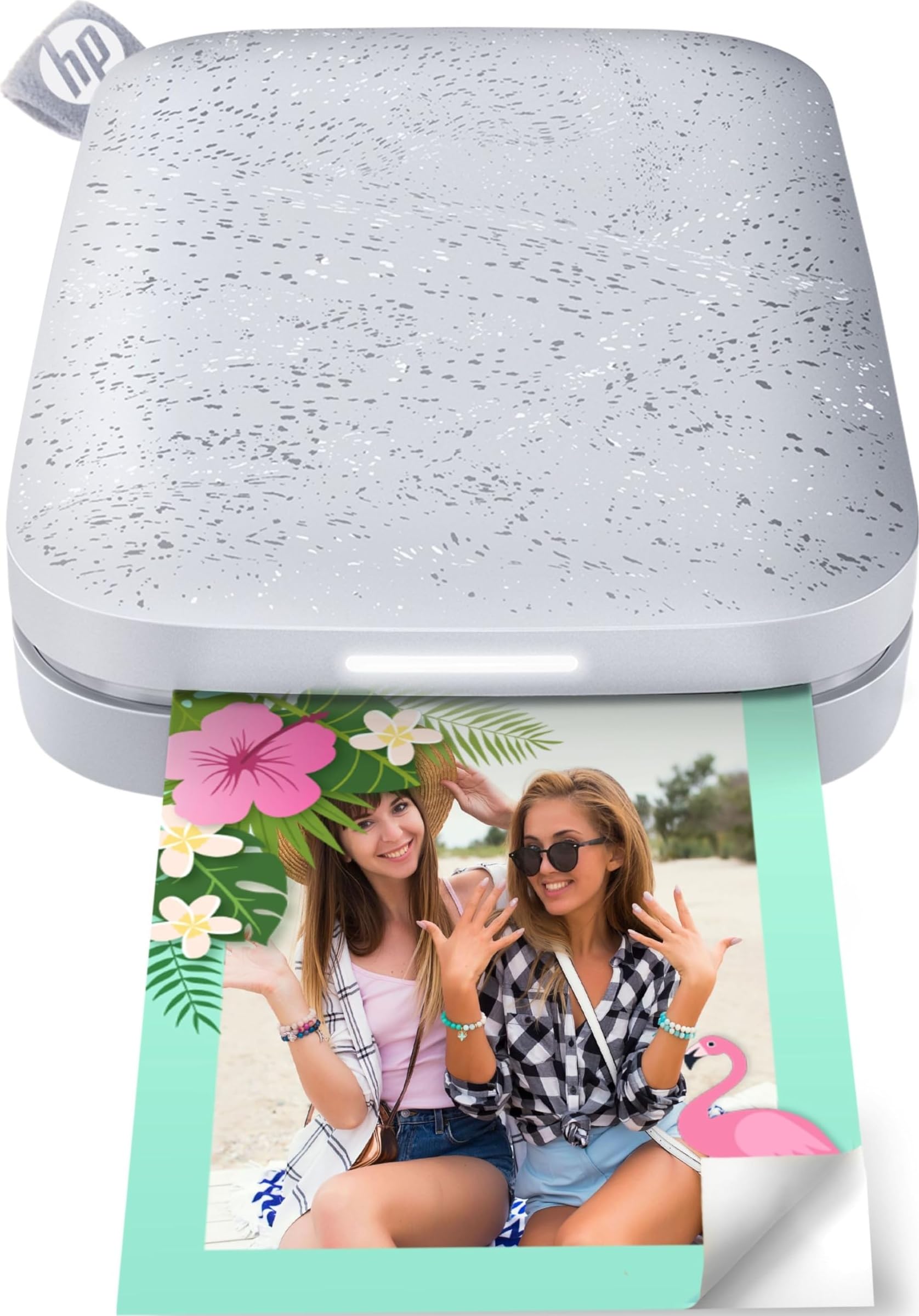
Read Amazon ReviewsHP Sprocket Portable Photo Printer (2nd Edition)
Choose the KODAK Step for Bluetooth or NFC pairing and simple small-format sticky prints; consider the HP Sprocket 2nd Edition if several people may queue photos and its print-status LED would help coordinate use.
- The HP Sprocket 2nd Edition can connect multiple devices at once and uses a personalized LED to show whose photo is printing.
- Bluetooth 5.0 and sleep mode keep it connected while idle, a useful distinction for shared printing.
- The KODAK Step pairs with iOS or Android through Bluetooth or NFC and prints 2-by-3-inch sticky-back photos, covering the core pocket-printing use case.
Sticker-print alternative

25,000+ ratings
Read Amazon ReviewsHP Sprocket Select
Choose the Step if 2-by-3-inch keepsakes meet your needs; consider HP Sprocket Select if you want its 2.3-by-3.4-inch sticky-back format and app editing tools.
- HP Sprocket Select prints 2.3-by-3.4-inch sticky-back photos and pairs with iOS or Android over Bluetooth 5.1.
- Its larger format is the key reason to consider it for more visible keepsakes.
- The KODAK Step makes 2-by-3-inch sticky-back prints from a phone-connected ZINK printer, a compact format for small keepsakes.
Is KODAK Step Worth It?
The KODAK Step is worth considering if you want a compact, phone-connected printer for small, sticky-back photos and personalized craft projects. Its app editing, rechargeable design and ink-free ZINK process give it a focused role for casual keepsakes.
Buy it with realistic expectations: prints are small, and a full charge supports 25 photos. For larger keepsakes or long print sessions, those limits may outweigh the Step's pocketable format and simple phone workflow.
Your review at a glance
20,000+ ratings
Read Amazon ReviewsKODAK Step
A portable phone photo printer for buyers who want small, customizable prints they can peel and stick into projects or share on the go.
- Prints small 2-by-3-inch photos on sticky-back ZINK paper.
- Connects to iOS or Android devices through Bluetooth or NFC.
- Uses a companion app for collages, filters, borders, stickers and text.
- Built-in rechargeable lithium-ion battery supports portable printing.